What makes your websites unique? How do you differ from competitors?
Minted’s all-in-one, design-forward platform lets you create a wedding website that seamlessly bridges the digital and physical wedding experience. We differ from our competitors in four key ways:
-
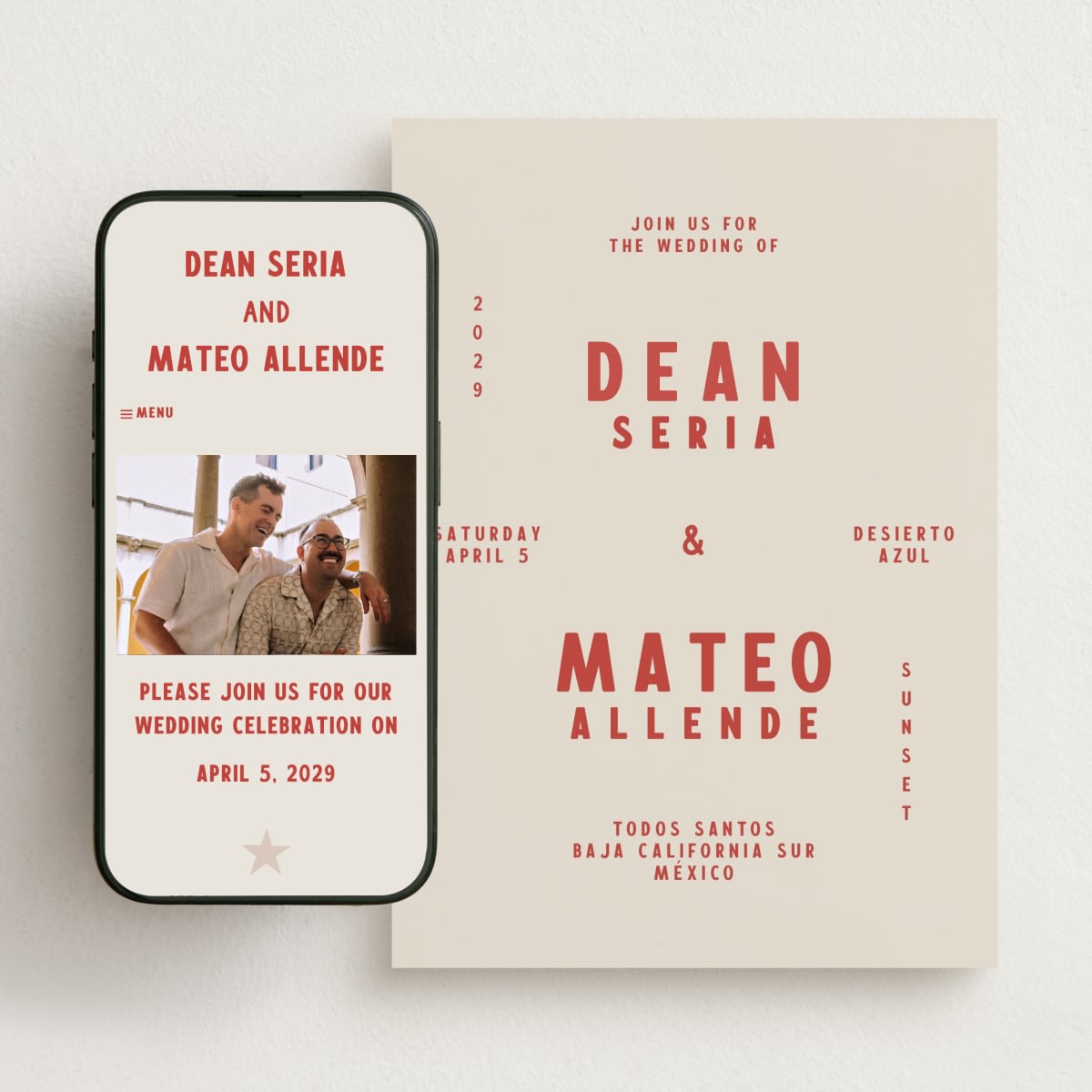
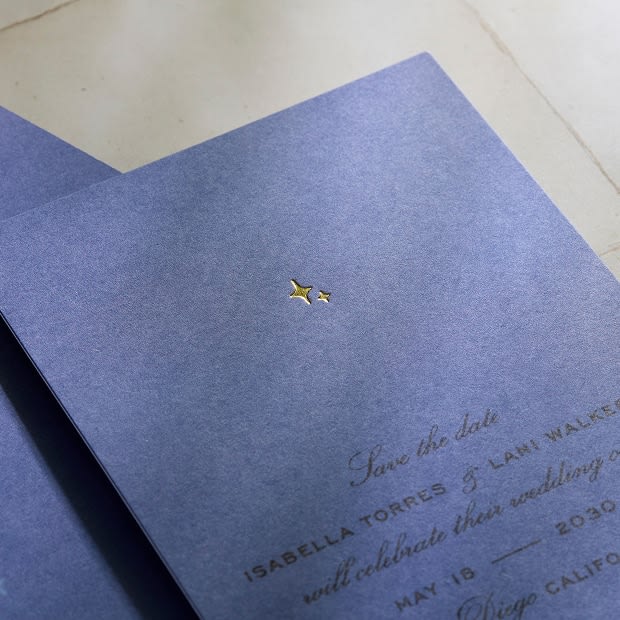
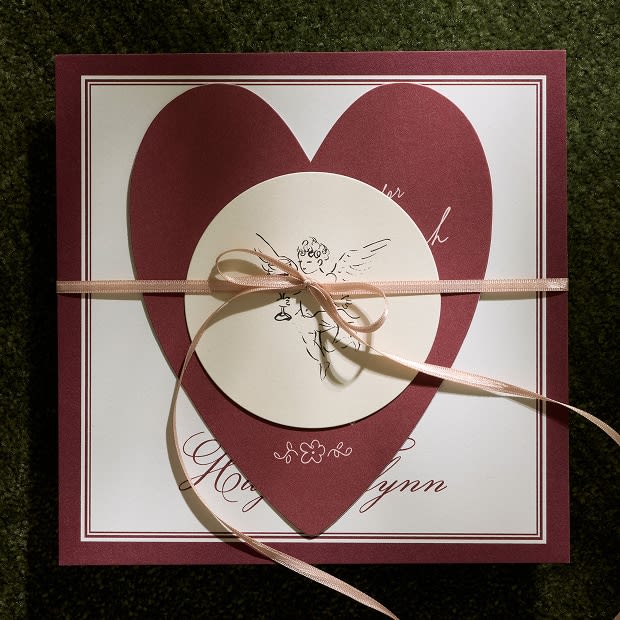
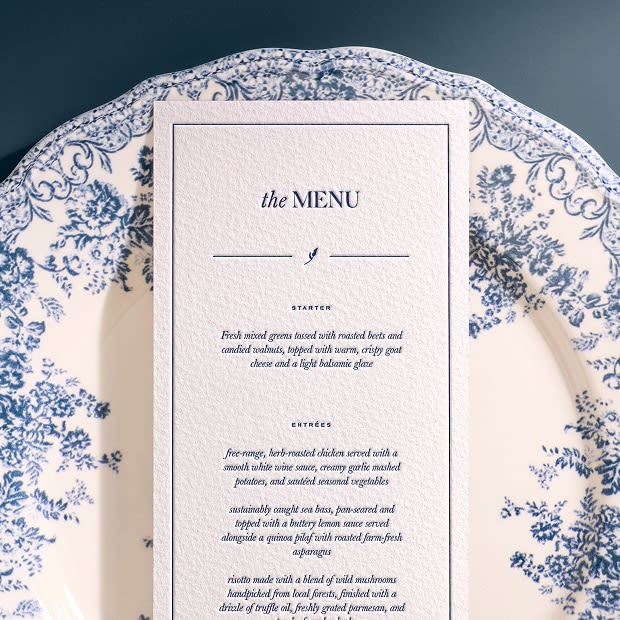
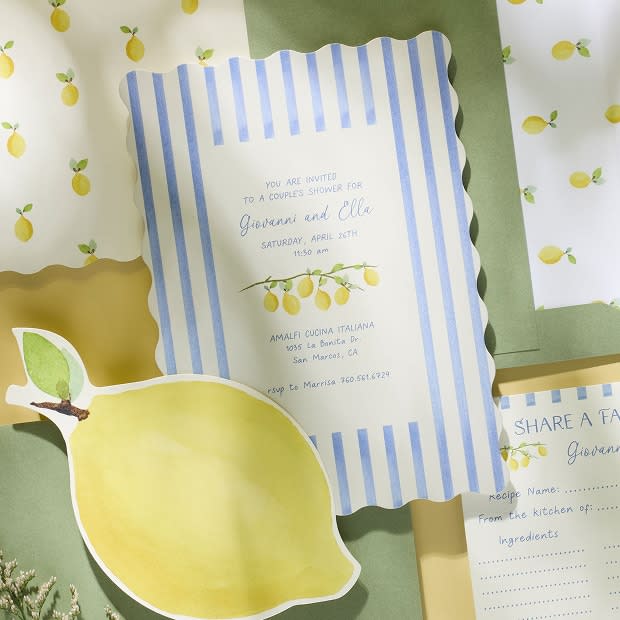
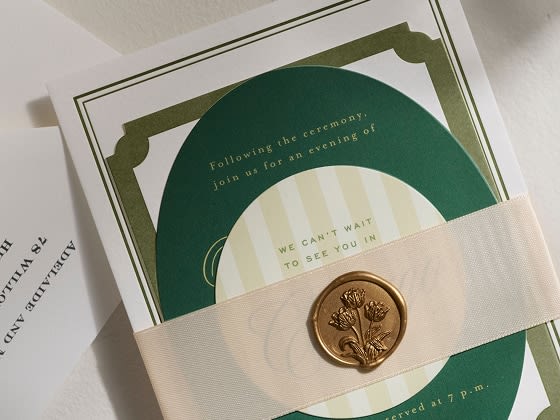
Cohesive, swappable designs: You can match your wedding website to your save the dates, invitations, menus, thank you cards, and more. Plus, you can change the design at any time without losing a single piece of entered information.
-
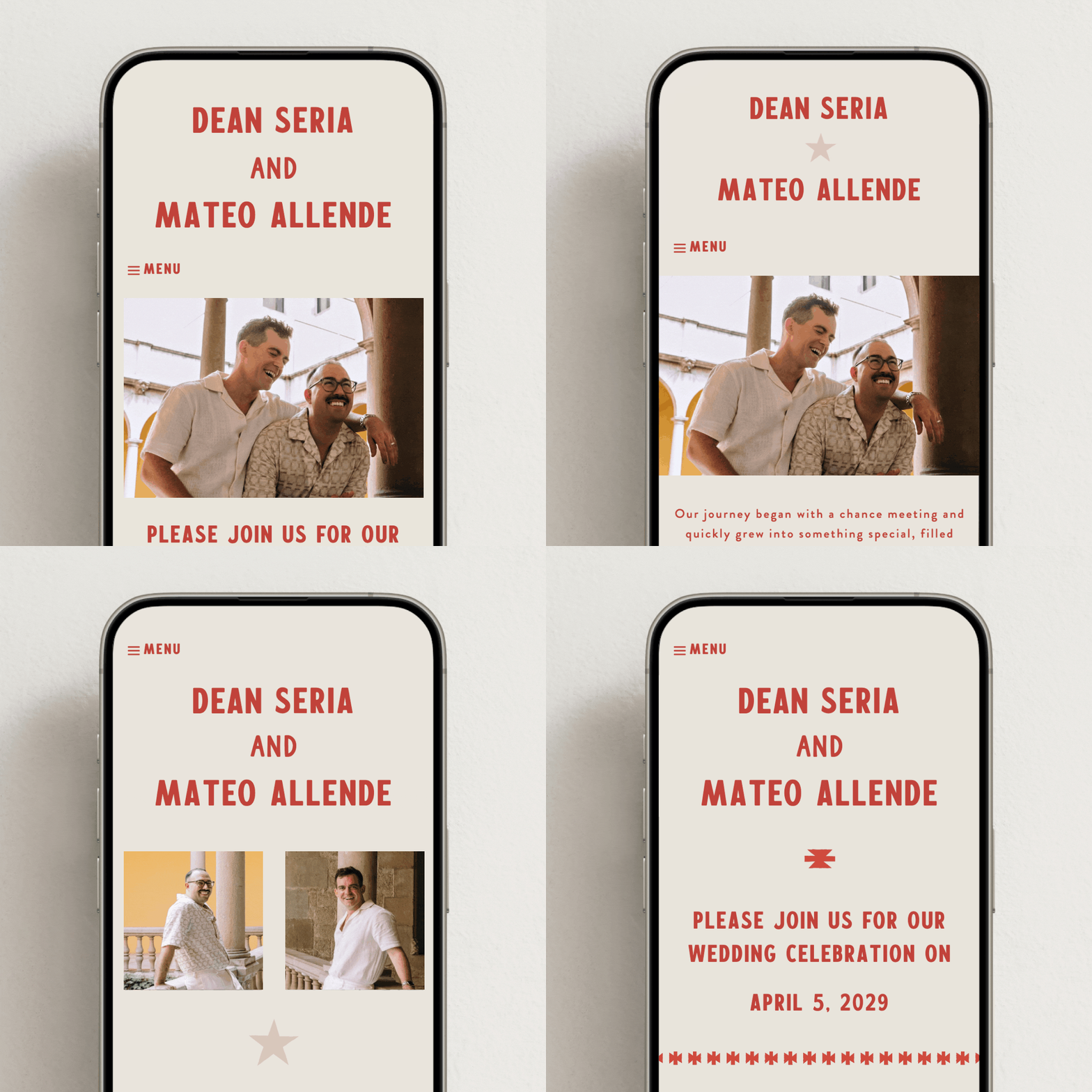
An elevated guest experience: We prioritize a clean, uncluttered, and mobile-friendly interface. From seamless digital RSVPs to a streamlined registry experience, guests can find everything they need in one centralized hub.
-
Guided, stress-free creation: Say goodbye to the overwhelming “blank canvas.” With our designs, you don't need to start from scratch—simply customize as much or as little as you want to create a site that’s uniquely yours.
-
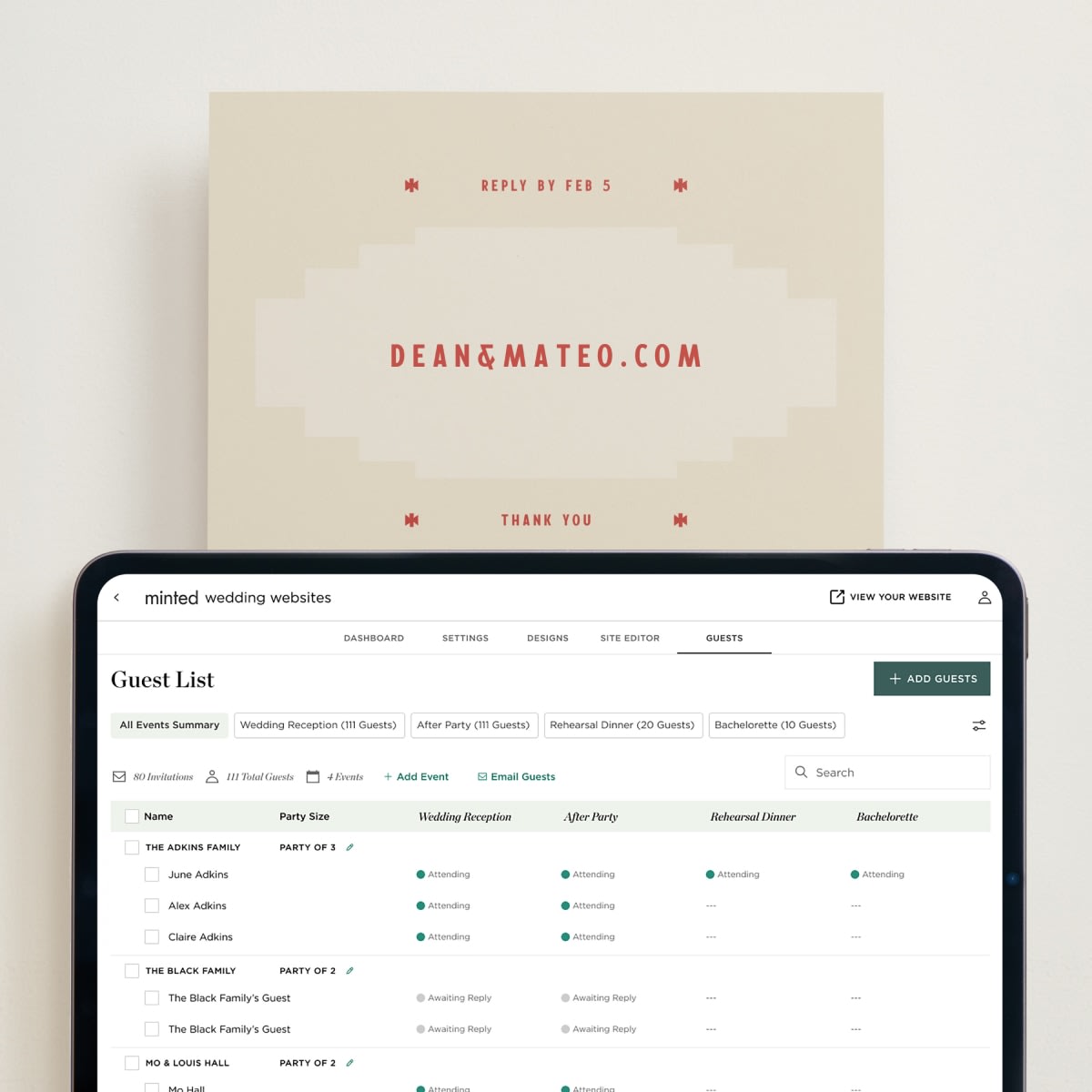
End-to-end guest management: Once you upload your guest list, you can use that exact same list for everything else: tracking online RSVPs, creating place cards, and addressing envelopes. Minted will even print your addresses directly onto your envelopes for free.
How customizable are your websites? What changes can I make?
Minted’s wedding websites are highly customizable, making it easy to balance personalization with artist-driven design. You never have to build from scratch. Instead, you start with a premium design that perfectly coordinates with your physical wedding stationery, then tailor it using the following flexible options:
- Custom color palettes: Fully customize your website's background and text colors. Craft a unique color palette that perfectly matches your wedding vibe, or choose from our expert-recommended themes.
- Flexible page layouts: Select from multiple layout options.
- Custom typography: Easily update the font for your heading, names, and body text.
- Single-page vs. multi-page navigation: Decide how your guests experience your site. You can opt for a sleek, single-page scrolling layout or a traditional multi-page navigation site.
- Rich media integration: Bring your love story to life by seamlessly uploading high-resolution photos and videos.
- Unlimited custom pages: Use our pre-formatted templates for popular pages (like travel details, schedule of events, or registries), or create your own to fit your exact needs.
Can I match my wedding website to my stationery, like save the dates and invitations?
Yes, you can coordinate your Minted wedding website with your stationery. We ensure your design vision carries seamlessly across every digital and physical guest touchpoint for a cohesive aesthetic.
- Explore the complete design suite: To find a matching piece of stationery—including wedding invitations, enclosure cards, menus, place cards, thank you cards, and more—simply visit your chosen wedding website’s product page and scroll down to "Products in the Same Suite."
- Find coordinating save the dates: While not every website design features an identical save the date match, you can easily find a corresponding design by filtering our save the date collection by style, color, or theme.
- Get free expert help: If you need assistance finding or customizing the perfect stationery, you can book a complimentary, one-on-one virtual appointment with a member of our Wedding Concierge team.
- Change your design anytime: Don’t worry if your wedding vision or color palette evolves. You can change your website design template with just one click, and all of your wedding details, RSVPs, and registry information will remain completely intact.
How much do your wedding websites cost?
Minted wedding websites are completely free. You can design, launch, and manage your site without spending a dime. We charge only for optional premium upgrades.
Here’s how our pricing breaks down:
- Base website (100% free): Access to hundreds of artist designs, digital RSVP tracking, multi-device guest management, and registry integration is entirely free of charge.
- Fully custom URL upgrade ($15/year): If you want to personalize your web address (ex: jackandjill.com versus jackandjill.minted.us), you can upgrade to a fully custom URL for just $15 per year.
- Dedicated concierge setup ($49): For expert help building your site, you can book a live setup session with our wedding concierge for $49. This service includes professional design guidance, information uploading, and a complimentary fully custom URL upgrade (a $15 value).
- Bonus $50 stationery credit: When you create your free wedding website, we’ll automatically apply a $50 credit to your account to use toward your physical wedding stationery, including save the dates, invitations, and more.
How can I customize my wedding website URL?
Minted lets you choose between a free personalized link or a $15 fully custom URL.
- With free customization, you can edit the first part of your web address for free, while the domain extension remains on our platform (for example: jackandjill.minted.us).
- With a fully custom $15 URL, you can create a completely custom domain name with a standard extension (for example: jackandjill.com). We handle the technical back-end; all you have to do is check out.
- Your fully custom URL remains active for one year. We’ll send you a renewal notice 60 days before your URL expires so your site never goes offline.
- To renew your custom domain for another year, simply follow the notification prompt, add the $15 URL renewal to your shopping cart, and check out.
- If your fully custom URL has already expired and you want to reactivate it, you can easily get in touch with our customer service team to explore your recovery options.
What types of registries do you support?
Minted’s wedding websites are designed to support any registry you choose, giving you ultimate flexibility. This includes:
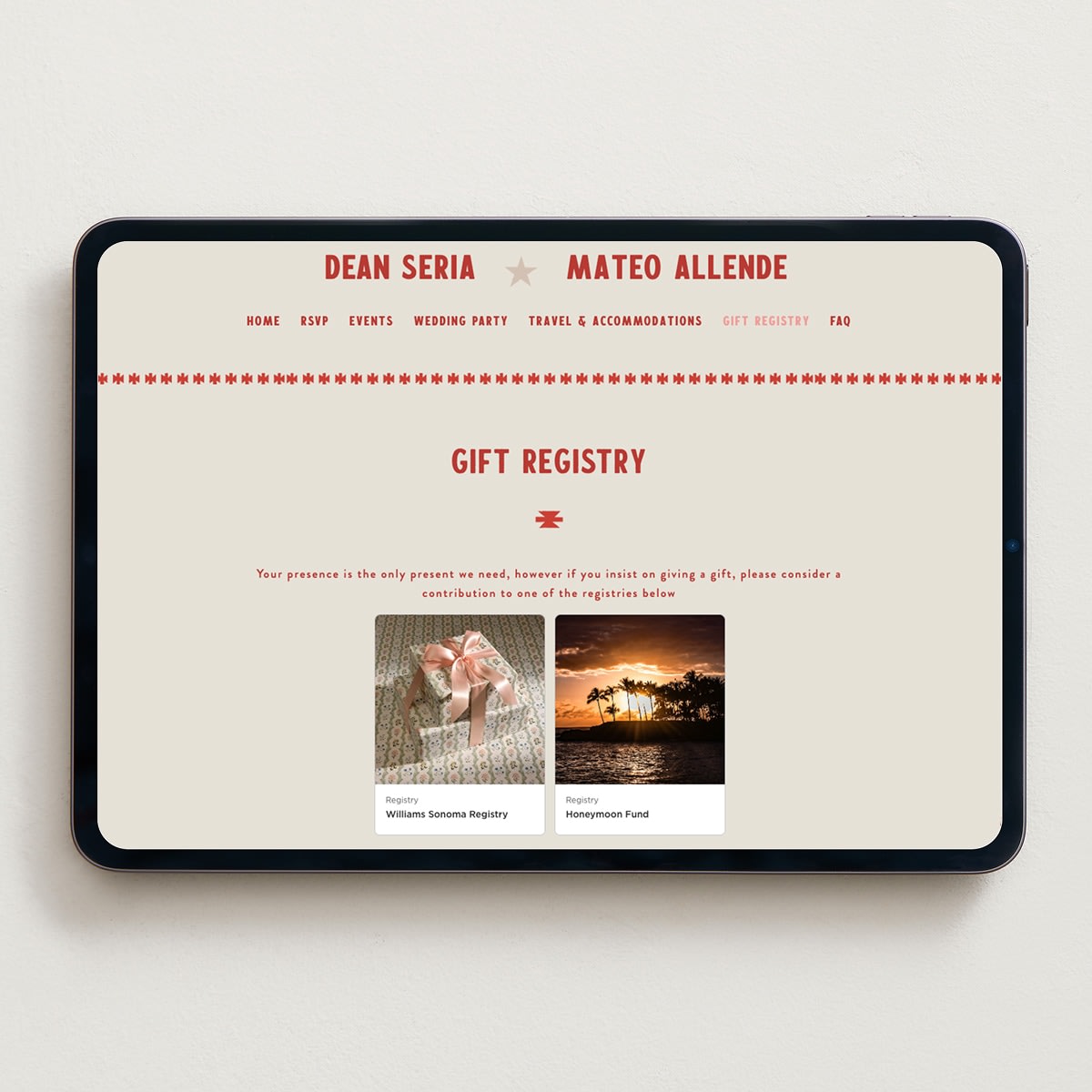
- Universal & retailer registries: Seamlessly display links to popular retailer registries like Pottery Barn, Target, and Amazon, or link out to any other external registry—all in one central location.
- Custom cash funds: Create unique, separate cash registry funds for specific milestones or honeymoon experiences. Choose how you want to receive your cash contributions. You can opt into standard credit or debit card processing (powered securely by Stripe) or use peer-to-peer payout options like Venmo and PayPal.
- Either way, you can arrange your registry links exactly how you want them. Unlike major competitors, we give you full control to put your links in whatever order you wish. And you can personalize your registry links with your own copy and your own photos, or use one of our pre-populated images.
What privacy settings do you offer? Am I able to specify whether I want my website to be searchable?
With Minted, you can customize the privacy settings of your wedding website, including whether or not it’s searchable.
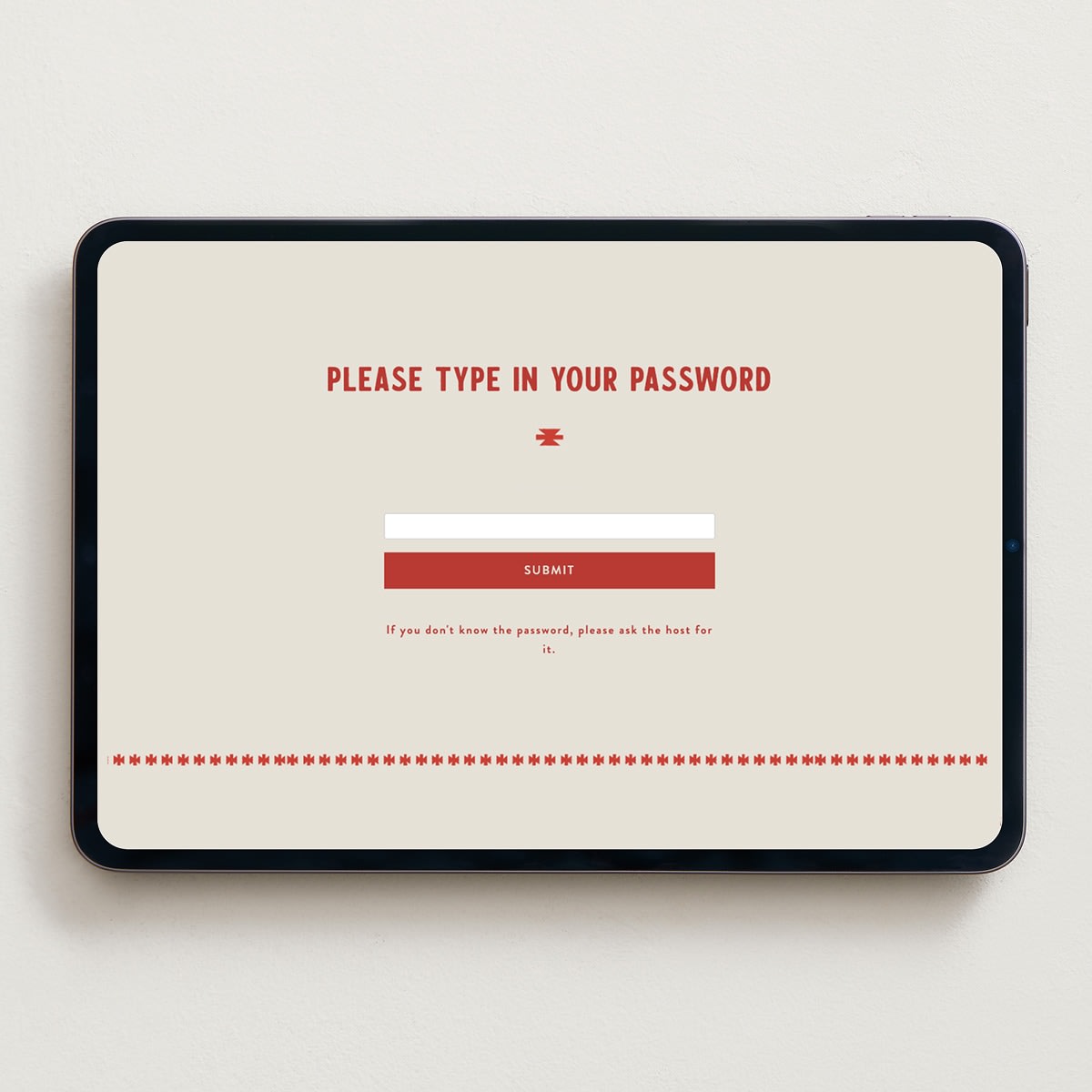
You have the option to password-protect your website. If you decide you want guests to type in a password before they can access your wedding website, you can print that password on your wedding stationery.
If you’d like your wedding website to be searchable across search engines like Google and /or on our website via our Find a Couple page, it’s easy to opt in to either option from your settings page. If you choose not to opt in, your wedding website will not turn up in search results.
What essentials do I need to include on my wedding website? Do I need to have everything ready when I send out my save the dates, or can I update my site after I send them out?
With Minted, you absolutely do not need to have every detail finalized before launching your site or sending out your save the dates. It’s incredibly common to start with placeholder text like "Details coming soon!" When you’re ready, we recommend building out your site with the following:
- The core essentials: Start with your names, the wedding date, and the location where your wedding will be held so guests can mark their calendars.
- The schedule of events: Provide dates, times, venue locations, and dress codes (such as black-tie, cocktail, or casual) for each wedding event.
- Travel and lodging logistics: Share airports, local transportation options, and hotel-block booking codes to help out-of-town guests plan their trip.
- RSVP tracking: Activate our digital RSVP flow when you send your formal invitations, making it easy for guests to confirm attendance and note meal preferences across devices.
- Curated wedding registry: Add your customized retail registries or digital cash funds whenever you choose.
- FAQ section: Address common guest inquiries about parking, children, plus-ones, or dietary restrictions. We provide pre-populated common questions you can quickly edit or expand on.
- Personal touches: Share the story of how you met, upload photos to a gallery, or build out a dedicated wedding party page.
You can return to your dashboard and edit your layout, text, or website design at any time without losing any information.
How do I create my guest list within Minted?
Managing your wedding guest list is simple using the Minted address book. Once your wedding website is created, you can easily collect, import, or manually add guests from your dashboard.
The fastest way to gather guest information is by using Minted’s built-in collection link:
- Go to your wedding website dashboard.
- Click "Collect guest addresses in minutes."
- Customize the message you want to send to your guests.
- Copy the unique URL and share it with your guests via text or email.
- When guests click the link, they can securely input their name, mailing address, and email.
- You’ll receive an email notification when a guest completes the form. To approve them, navigate to the "Guests" tab, click "Add guests" in the upper right corner, and review your pending address submissions.
If you already have your guest details on hand, you can use one of the three options under the "Guests" tab of your wedding website dashboard:
- Manually type in guests’ names and contact information.
- Upload a spreadsheet.
- Pull in previously saved addresses from past Minted orders.
Once you’ve built your Minted address book, you can print names and addresses directly onto your save the date, wedding invitation, and thank you card envelopes for free. You can also print guest names onto place cards.
How does the RSVP flow work for my guests? Can I collect their meal preferences? Is this list easy to download?
Minted’s digital RSVP flow is fully automated, highly intuitive, and mobile-friendly, making it simple for your guests to respond and for you to manage the data. You have complete control over the questions you ask, including meal preferences, and all responses are tracked in real time. Here’s exactly how the process works:
- Custom tracking: You can fully customize what information you collect by setting up multiple-choice questions (perfect for selecting dinner entrees like beef, fish, or vegetarian) or open-ended short answers (great for song requests or dietary restrictions). You can also mark any question as required or optional.
- Step-by-step guest RSVP flow: Guests visit your wedding website, click on the dedicated "RSVP" tab, and enter their first and last names. The system instantly recognizes them from your guest list, allowing them to submit a response for themselves and each member of their party.
- Instant dashboard visibility: The moment a guest clicks “Submit,” their responses automatically sync with your account. You can monitor them in real time directly from the "Guests" tab of your website dashboard.
- Effortless list exporting: Your entire guest list—including RSVP statuses, party sizes, and custom meal selections—is completely exportable. With just a few clicks, you can download a spreadsheet to share directly with your caterer, wedding planner, or venue coordinator.
How can I communicate with my guests through my wedding website?
You can easily email important announcements, itinerary changes, or timely reminders to your guest list directly through your Minted website dashboard. Here’s how:
- Access the communication hub: Log into your wedding website dashboard and click on "Guests" in the top navigation bar to view your centralized guest list.
- Select your recipients: Filter or choose the specific individuals or groups you want to contact.
- Send targeted email blasts: Click "Email Guests" to draft and send custom messages directly to your selected recipients.
- Automate RSVP reminders: Effortlessly target guests who have not yet responded. You can filter for missing replies and send a gentle nudge to encourage them to RSVP before your deadline.
How can I demo one of your wedding websites?
We provide interactive previews that allow you to test out features, navigation, and specific page layouts from a guest’s perspective before committing to a design. Here’s how to demo our wedding website designs:
- Select a specific design: Navigate to our wedding website collection and click on the specific artist design you want to explore.
- Choose your preferred page layout: Before launching the preview, select a page layout (such as single image, double image, or text-only with no image) on the product page.
- Launch the interactive preview: Click "View Demo" on the product page to see exactly what that specific layout and design theme look like.
- Use our instant generic demo: If you just want to test the general functionality of our platform without picking a specific theme yet, you can immediately explore our features by clicking this link.
When will I get the $50 credit for creating a website?
As soon as you create your free wedding website with Minted, your $50 stationery credit is automatically applied to your account—no promotional code or manual activation required. To find and view your balance:
- Click on the person icon in the upper right-hand corner of our website to open your account settings.
- Select "Credit & Gift Cards" from the drop-down menu. You’ll see your $50 credit there, ready to be applied toward physical wedding stationery like save the dates, invitations, menus, and thank you cards when you check out.